Join AAdvantage and the Wi-Fi is free on most planes. Joining costs nothing. You do not need AT&T. Some older 777s still charge. I join before I fly. It takes two minutes.
2026 cabin fare
$0 with AAdvantage
Free on most 737s, Airbuses, dual-class Eagle jets and the new 787s. Some older 777s still charge about $10, sometimes $35. Join AAdvantage instead.
Updated 21 September 2026
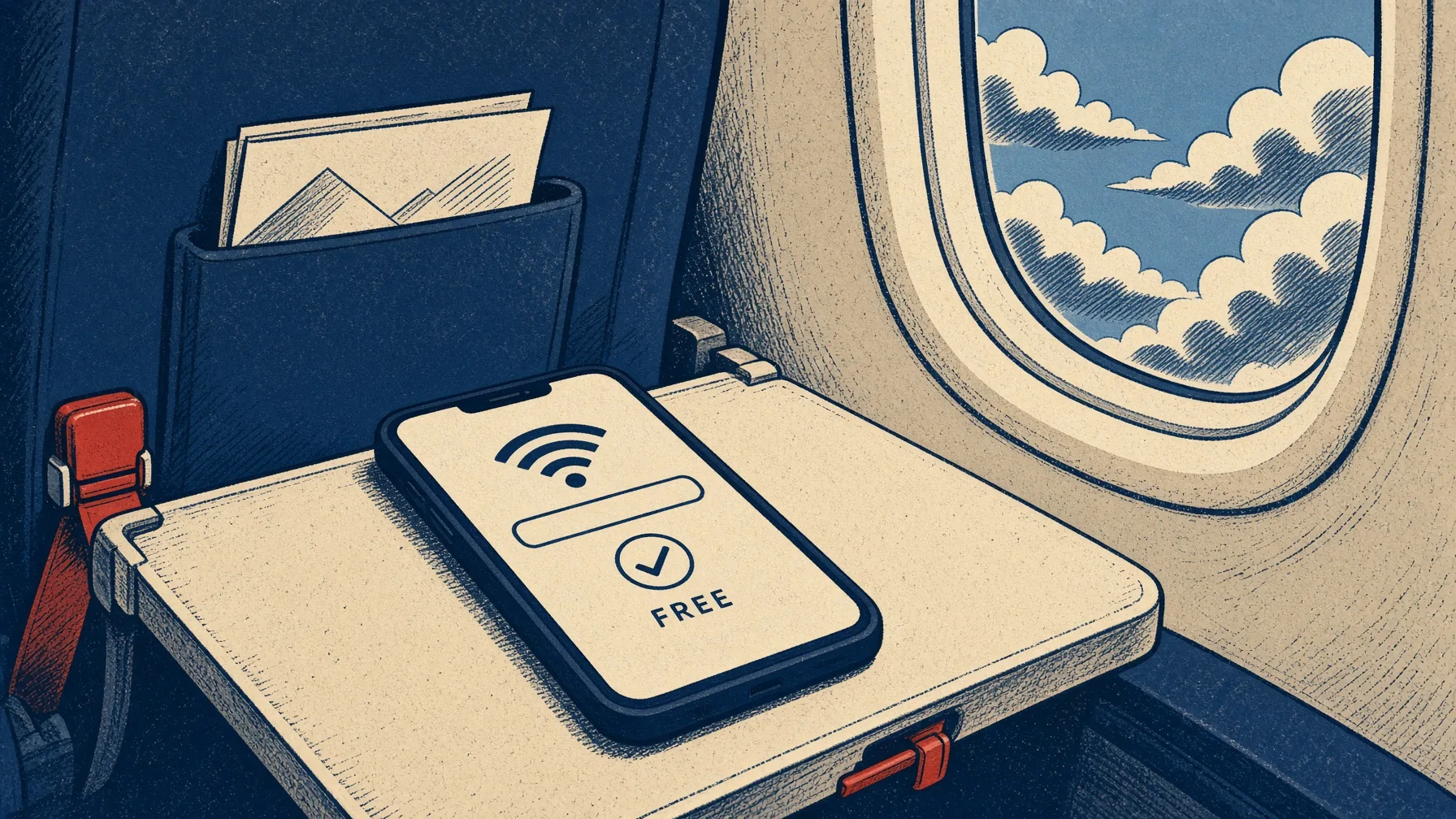
American Airlines has Wi-Fi on almost every plane. It is free if you join AAdvantage, and joining costs nothing. You do not need an AT&T plan. AT&T pays for the free Wi-Fi. You only need the club number, and the plane has to be one of the free ones.
Join before you fly. Do not wait until you are in the air to tap a card. This page covers which planes still charge, how to open the Wi-Fi page, and what to do if you are flying to a cruise. The plane Wi-Fi stops when you land. The ship starts a new bill.
Is American Airlines Wi-Fi free in 2026?
For AAdvantage members on most of the fleet, yes. It has been since early January 2026. Any member. New accounts with zero miles count. Gold is not required. ConciergeKey is not required. The old status perk — free Wi-Fi for the invite-only list on every tail — is still there, and it still saves you on the older Panasonic jets. For everybody else the rule got simpler: you joined the club, you get the internet, as long as the plane is on the free hardware.
That hardware is the entire Airbus single-aisle fleet. Every 737. Dual-class Eagle — the CRJ-700s and 900s, the E170s and E175s. The new 787-8s and 787-9s. That’s the 90 percent they keep talking about. The 10 percent is the older widebodies still running Panasonic. Those flights look identical on the boarding pass. They are not identical in the air.
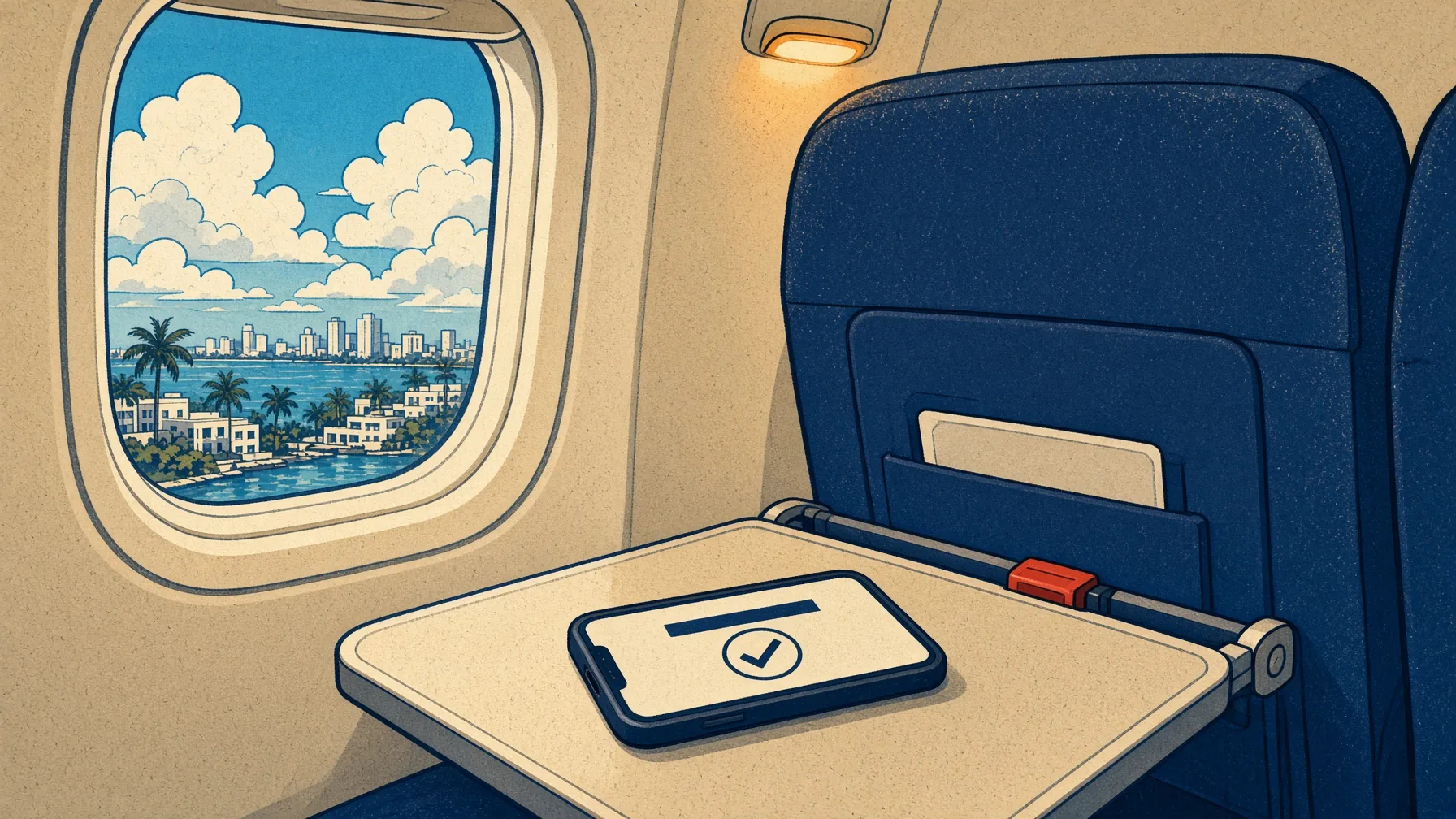
You can join on the plane. I still tell people to do it on the ground. The cabin is a terrible place to invent a password you’ll need again at 6 a.m. in Charlotte. Get the number on the reservation before you board. Then the login is a two-field form, not a scavenger hunt.
Join AAdvantage on the ground. The cabin is a terrible place to invent a password.
How much is American Airlines Wi-Fi?
Two prices if you joined. Zero on the free tails. A card on the older 777s. If you skipped the club, they still sell a pass: as little as $10 a flight on a lot of domestic hops, and I’ve seen the long-haul Panasonic screen ask for something closer to $35. There is still a monthly. There is still an annual. Both of those are for people who refuse a free account.
Who you are
Viasat / Intelsat tail
Panasonic older
AAdvantage member
$0
Paid pass, unless ConciergeKey
Not a member
From $10 a flight
$10–$35 a flight
Monthly pass, 1 device
$49.95. Two devices $59.95. Annual $599 / $699. Needs a U.S. card on the AAdvantage file.
aa.com in the air
Free for everyone. Rebook, seat map, the app. Not the open internet.
What the week actually costs
AA hop, AAdvantage, Viasat tail$0
AA hop, you skipped the club~$10
Panasonic 777, paid pass~$16–35
Carnival Premium, one person, seven sea days~$175
Disney streaming, one iPad, seven nights$343
GigSky cruise eSIM after ESIMDUDE · 5 GB$62.99
Cabin Wi-Fi on American is the cheap part of the trip. The ship is where people get robbed. That’s why the last row is on this page.
You do not need AT&T
This is the question that fills the aisle. AT&T puts its name on the free Wi-Fi. You do not need their SIM. You do not need their app. You need AAdvantage. If a flight attendant says “AT&T Wi-Fi,” they mean the sponsor, not a gate. I’ve watched people skip the login because they “don’t have AT&T.” Don’t be that person. Type the AAdvantage number. Get on with your life.
How to connect to American Airlines Wi-Fi
The network is aainflight.com. One word. No password. The Wi-Fi page is aainflight.com. That’s the whole ceremony, plus a login. People type aainflight into Google 90,000 times a month because they are already in the seat and the Wi-Fi page did not pop. Type it. Do not go hunting for a cabin password. There isn’t one.
1Airplane mode on. Then turn Wi-Fi back on. Leave cellular off — it fights the Wi-Fi page.
2Join aainflight.com. If you see two similarly named networks, pick the one without a lock.
3Open a browser. The Wi-Fi page usually pops. If it doesn’t, type aainflight.com. Not aa.com. The inflight one.
4Tap Free Wi-Fi. Log in with AAdvantage number and password. Join from the seat if you never signed up.
5Not a member and too stubborn to join? View Wi-Fi plans. That’s the $10. A connecting trip is a second payment on the paid tails.
The Wi-Fi page will tell you who is actually over your head. “Connected by Viasat.” “Wi-Fi Onboard, Intelsat.” “Service provided by Panasonic.” Those three lines are the whole price list. Viasat and Intelsat: tap Free Wi-Fi. Panasonic: the card screen. I check that line before I even think about paying.
Seatback movies and the inflight entertainment app are a different product. The open internet — WhatsApp, mail, Maps, your actual life — is the AAdvantage part.
Airplane mode. Wi-Fi on. aainflight.com. Free Wi-Fi. Then the AAdvantage login.
Forgot the AAdvantage number
Happens every week. Unlike Southwest, the confirmation code is not a spare key here. You need the number and the password. If you joined years ago and the password is a mystery, reset it on the ground. In the air the reset mail may never arrive. That’s why I keep saying: join on the ground. Put the number on the booking. Screenshot the card. The cabin is a metal tube with a slow form.
Turn off the VPN. Turn off iCloud Private Relay. Turn off “limit IP address tracking” for a minute. Those three things are why aainflight.com never appears on a perfectly good phone. Forget the network, toggle Wi-Fi, try again. If a laptop keeps bouncing you to the ground site, use the phone instead, or open a private window and type the inflight address by hand.
What actually works
Messaging used to be a mess on this airline. For a long time there was no free iMessage side door, the way other cabins quietly allowed. Once you’re logged into the free Wi-Fi, WhatsApp and iMessage behave like they do on the ground — until the cabin is full and the Wi-Fi gets slow. Download and log into WhatsApp before you board. The cabin is a terrible place to scan a QR code.
After you’re in, it depends which plane they rolled to the gate. I’ve had Slack fire before the beverage cart on a 737-8. I’ve also had a 777-300 to London where the paid pass loaded like 2012. Same boarding pass printer. Different decade of hardware over your head.
On the phone
Viasat / Intelsat (free)
Panasonic older
iMessage / WhatsApp
Yes, once you’re logged in
Yes, after you pay
Mail, light browsing, Maps
Usually. Slow on a full 737
Usually, once the pass attaches
Instagram, Reddit, banking
Fine most days. Stalls at pushback
Hit or miss
Netflix, HBO Max, YouTube
Often yes on Viasat. Don’t count on it
Don’t
Zoom / Teams / FaceTime video
Worth trying. Audio is safer
Treat it as no
VPN / Private Relay
Breaks the login. Turn it off
Same
Hotspot to a laptop
Works. Still one login
The pass is per device. Read the screen
aa.com / the AA app
Free even without Wi-Fi
Free even without Wi-Fi
The 777 is still a different internet
This is the part that matters more than the price. American is not a Starlink airline in 2026. It is an airline with free Viasat and Intelsat on the single-aisle fleet, and Panasonic on a lot of the long-haul widebodies. The 777-200ERs and 777-300ERs are the ones I still pay attention to. Some 787s got the free kit. Some did not. The AA app will show the aircraft type. The Wi-Fi page will show the vendor. Trust the Wi-Fi page more than the booking.
Last-minute swaps are normal. DFW–MIA was a 737-8 when I booked and a 737-800 when I boarded. Both were free with AAdvantage. CLT–LHR was a 777 when I cared about a work call. That one was Panasonic. I bought the pass once, out of habit, and then remembered I could have joined the club years ago. I have not paid since.
If the work call cannot fail, download the deck and assume the cabin will betray you. Seat power on the mainline is usually USB. The regional jets are a lucky dip. A dying phone plus a slow Wi-Fi page is how you land in Miami with a brick and a cruise to board. Carry a pack.
Same airline, two internets. Viasat is the free login. Panasonic still wants a card. Read the Wi-Fi page.
Starlink is 2027, not this year
They picked Starlink in May 2026 for 500-plus Airbus single-aisle jets. Installs start early 2027. New A321neo and A321XLR metal first. That is not your boarding pass today. Today you are on Viasat or Intelsat, or you are on Panasonic. Do not sit in Terminal D waiting for a Starlink 737. It is not here yet. When it is, the app will say so. Until then, join AAdvantage and take the free satellite you already have.
American Airlines Wi-Fi not working
Start with the boring fixes. They work more often than a flight attendant reset.
Airplane mode on, then Wi-Fi. Mobile data confuses the Wi-Fi page.
Type aainflight.com yourself. A laptop that auto-opens aa.com will never log you in.
Private window. Chrome and Edge love to skip the Wi-Fi page.
VPN off. Private Relay off. Ad blockers off for a minute.
Forget the network, toggle Wi-Fi. You often stay logged in after that.
Reset the AAdvantage password on the ground next time. The air is a bad place for a 2FA text.
Ask the FA to bounce the system. Then wait. On a full Saturday 737 it can take the first twenty minutes.
If none of that works and the Wi-Fi page says Panasonic, it is not you. Pay, or read a book. If it says Viasat and still spins, wait until 10,000 feet. The free kit is satellite. It needs the sky.
Two flights, two bills — only if you pay
AAdvantage on the free tails is one login, both legs, both phones, as long as each device signs in. Non-members pay per device, per flight. PHL to Charlotte to Miami is two flights. Two phones is four payments if you like doing things the hard way. The monthly pass is $49.95 and still dumber than joining a free club. There is no “I already paid on the first leg” unless you bought that monthly. Join the club.
Mexico, the Caribbean, the long-haul older
Domestic hops are the reliable ones. Over the sea, the internet can pause. Flights to Mexico, the Caribbean and Central America are in the free window when the tail is Viasat or Intelsat — Cancún, Montego Bay, San Juan, the ones that feed the ships. Coverage still drops in the middle of the Gulf on a bad day. Hawaii can hold, or it can flake for an hour. Panasonic long-haul to Europe and South America is the paid older. If the flight is the entertainment, download before you leave the Admirals Club. Don’t count on a live match staying up all the way to Heathrow.
When you land in Miami or San Juan, cabin Wi-Fi is over. U.S. roaming on the home SIM is how people come home to a $400 text. That’s a regular travel eSIM job — not a cruise eSIM, not cabin Wi-Fi. Different page, different product. If the next vehicle is a ship, keep reading.
Inflight entertainment is not the internet
People search “American Airlines inflight entertainment” in the same breath as Wi-Fi. Seatback screens, the AA entertainment app, live TV when they have the license — that’s a different system. You can watch a movie and still have no WhatsApp. You can have WhatsApp and a dark seatback. On the new 737s I use the phone. On a long-haul 777 I use whatever the seat will give me and I do not pretend it’s Zoom.
How it compares
JetBlue is still the only big U.S. carrier that just gives it to everyone, no login. Delta copied the frequent-flyer trick years ago — SkyMiles, free to join, same idea. United is the Starlink leader right now; when you get that plane, it feels like the ground. Southwest joined the free club in late 2025 and is putting Starlink on 737s this year. American caught up on price in January 2026 and is still a year behind on Starlink. Alaska is fine on the West Coast if you already live in that world. Frontier is still a flying USB stick with no internet.
Airline
Free for
If you don’t qualify
2026 feel
American
AAdvantage on ~90% of the fleet
$10–$35 on older 777s
Caught up on price. Starlink 2027.
Southwest
Rapid Rewards (free to join)
$8 / device / flight
Lucky dip. Starlink starting. Old 700s still crawl.
Delta
SkyMiles (free to join)
Usually free once you join
Mature. Not Starlink yet.
United
MileagePlus on most planes
Varies by aircraft
Most Starlink planes of the big three.
JetBlue
Everyone. No login.
—
Truly free. Streaming-capable Fly-Fi.
Alaska
Elites and some T-Mobile
Paid on a lot of planes
Starlink rolling. Fine on the West Coast.
Frontier
Nobody
Assume none
Download everything. Then download a book.
Southwest Wi-Fi is up. Alaska, JetBlue and Frontier are live. This one is the American hop.
You’re flying to a cruise. That’s the other bill.
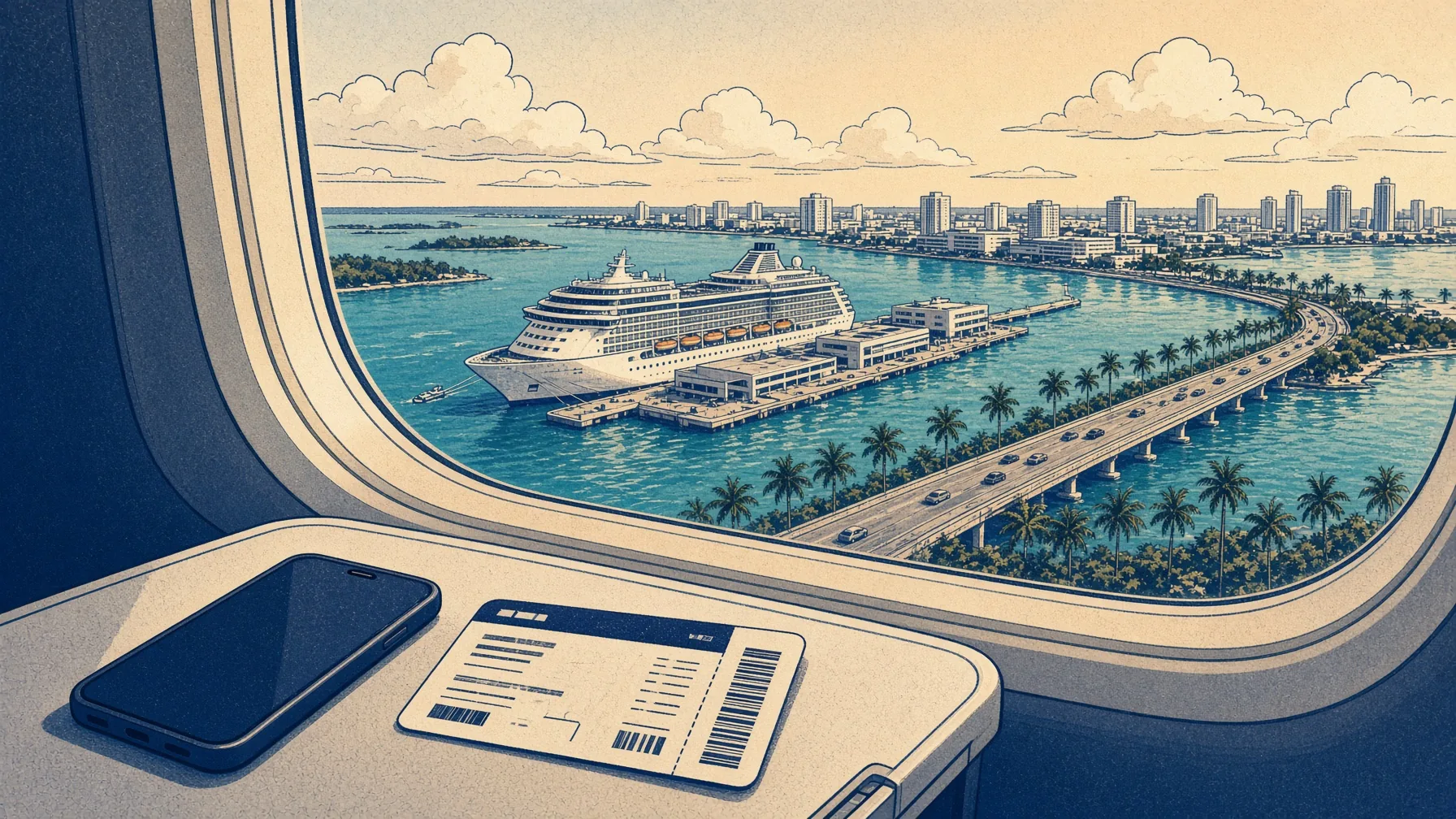
A lot of the people who type “American Airlines Wi-Fi” the night before a trip are not going to a meeting in Dallas. They’re going DFW–MIA, CLT–FLL, PHL–SJU, ORD–MIA, DCA to Fort Lauderdale, with a cruise boarding pass in the same wallet as the AAdvantage card. I have done that walk: jetway, the MIA people-mover, PortMiami, a ship that will charge twenty to forty-nine dollars a device a day for Wi-Fi that dies again the minute you hit Nassau.
Cabin Wi-Fi on American is free with AAdvantage on the hop that actually gets you to the port — those are 737s and A321s, not 777s. Ship Wi-Fi is a monopoly. A family of four on Carnival Premium can clear $700 in a week. Disney streaming is $49 a device. Royal VOOM sits around $20–28 a device a day. The phone in your pocket does not need any of that if you put a cruise eSIM on it the night before.
Do not buy an inflight eSIM for American. It will not attach. This airline is cabin Wi-Fi, not a phone cell in the ceiling. Our GigSky code ESIMDUDE does not apply to inflight packs anyway. Save the eSIM for the ship. Join AAdvantage for the hop. That is the plan.
The plane’s Wi-Fi dies at the jetway. The ship starts a new bill. Put the cruise eSIM on before you sail.
After you land · best overall
GigSky Cruise & Land
One eSIM for sea days and the ports. WhatsApp on the water, maps when you dock. After ESIMDUDE a 5 GB / 30-day plan is $62.99. Not cabin Wi-Fi. Not an inflight pack. The phone for the week the ship will try to charge you a fortune.
Cheaper per gigabyte at sea. Dead in port. Fine if you’ll buy a second plan for the islands. Most people will not, and then they’re mad on the pier. ESIMDUDE is 20% off Saily cruise.
Ship Wi-Fi still wins if the cabin will stream movies all week. That’s a different screen, a different bill. Keep it for the iPad in the inside cabin. Keep GigSky on the phone that leaves the ship. The American hop in between is free if you joined AAdvantage and they rolled a 737 to the gate. I have never once regretted joining. I have regretted paying $16 on a 777 because I was lazy in the rideshare.
American Airlines Wi-Fi FAQ
Is Wi-Fi free on American Airlines?
Yes for AAdvantage members on most planes — the Airbuses, the 737s, the bigger regional jets, and the new 787s. Joining is free. You do not need AT&T. Some older 777s still charge.
How do I connect to American Airlines Wi-Fi?
Turn on airplane mode, then turn Wi-Fi back on. Join aainflight.com. Open a browser or type aainflight.com. Tap Free Wi-Fi and sign in with your AAdvantage number and password. You can join from the seat if you forgot.
Do I need AT&T for free American Airlines Wi-Fi?
No. AT&T pays for it. You only need an AAdvantage account.
How much is American Airlines Wi-Fi if I’m not a member?
About $10 on many flights. Some long flights still ask for up to about $35. A monthly pass is $49.95 for one device. Join the free club instead.
Does American Airlines have Starlink?
Not in 2026. Starlink starts in early 2027 on many Airbus planes. Today the free Wi-Fi is on most of the fleet. Some older wide planes still charge.
Does American Airlines Wi-Fi work on international flights?
On most planes, AAdvantage still gets you in. Some older long-haul planes still charge. It can pause over the sea. Download a film if you need it.
What is aainflight.com?
That is the Wi-Fi name and the Wi-Fi page on the plane. Join aainflight.com, then type aainflight.com in the browser. The normal American website will not sign you in.
Should I buy a GigSky inflight eSIM for American Airlines?
No. The plane Wi-Fi is free with AAdvantage on most hops. Our GigSky code ESIMDUDE does not work on plane packs. Buy GigSky when you land for a cruise. The ship will charge $20–49 a day, and that Wi-Fi dies when you walk off.
Not affiliated with American Airlines, AAdvantage, AT&T, Viasat, Intelsat, Panasonic, or SpaceX. Cabin numbers are typical 2026 fares, not a promise. Aircraft swap. Starlink is 2027, not fleetwide. We earn a commission if you buy a cruise eSIM through our links. The 10% from ESIMDUDE is yours either way.