
After you land · best overall


GigSky Cruise & Land
After ESIMDUDE a 5 GB / 30-day plan is $62.99.
Get GigSky · 10% offUnited Wi-Fi 2026
Joining MileagePlus costs nothing. On a Starlink plane the Wi-Fi is then free. On other US flights members pay $8 and everyone else pays $10. Join before you fly.
2026 cabin fare
$0 on Starlink
MileagePlus members only. Other US and short flights: $8 for members, $10 if you are not. Long flights cost more.
Updated 23 September 2026
United has Wi-Fi on most flights. It is free if two things are true. You joined MileagePlus, and the plane has Starlink. Joining costs nothing. You do not need a T-Mobile plan.
Starlink is not on every United plane yet. Most two-cabin regional jets have it. Mainline jets are being fitted through 2026. United wants the whole fleet done by the end of 2027. Until your plane is one of them, the US price is $8 if you joined and $10 if you did not.
On a Starlink plane, yes, for every MileagePlus member. Economy counts. A brand-new account counts. You can join from the seat. I still join at home, because the United app makes the sign-in smoother if it is already on your phone.
Starlink is the fast one. It works from the gate, not only after takeoff. You can stream, send WhatsApp and load maps. A short advert may play before you are fully connected. Let it finish.
By early 2026 United had fitted more than 300 regional planes, about a quarter of daily flights. More mainline planes, including the Airbus A321, come next. Do not assume your 777 is Starlink because a news story sounded finished. Read the Wi-Fi page after you join the network.

On US flights and short international flights without Starlink, United charges $8 for MileagePlus members. You can also spend 800 miles instead of $8. Everyone else pays $10. You cannot pay with miles on some regional jets. Long international flights cost more, and the price depends on the route.
Even if you do not buy a pass, free messaging still works. The United app and united.com work too. That is enough to tell the person meeting you that you landed. It is not enough for a film.
| Who you are | Starlink plane | Other US flight |
|---|---|---|
| MileagePlus member | $0 | $8, or 800 miles |
| Not a member | Join from the seat, then $0 | $10 |
| Free texts | Included even if you buy nothing. Not a full internet pass. | |
What the week actually costs
Have the United app installed before you fly. On some planes the page sends you into the app to confirm it is you. Doing that download at the gate, on slow airport Wi-Fi, is how people miss the first half hour.
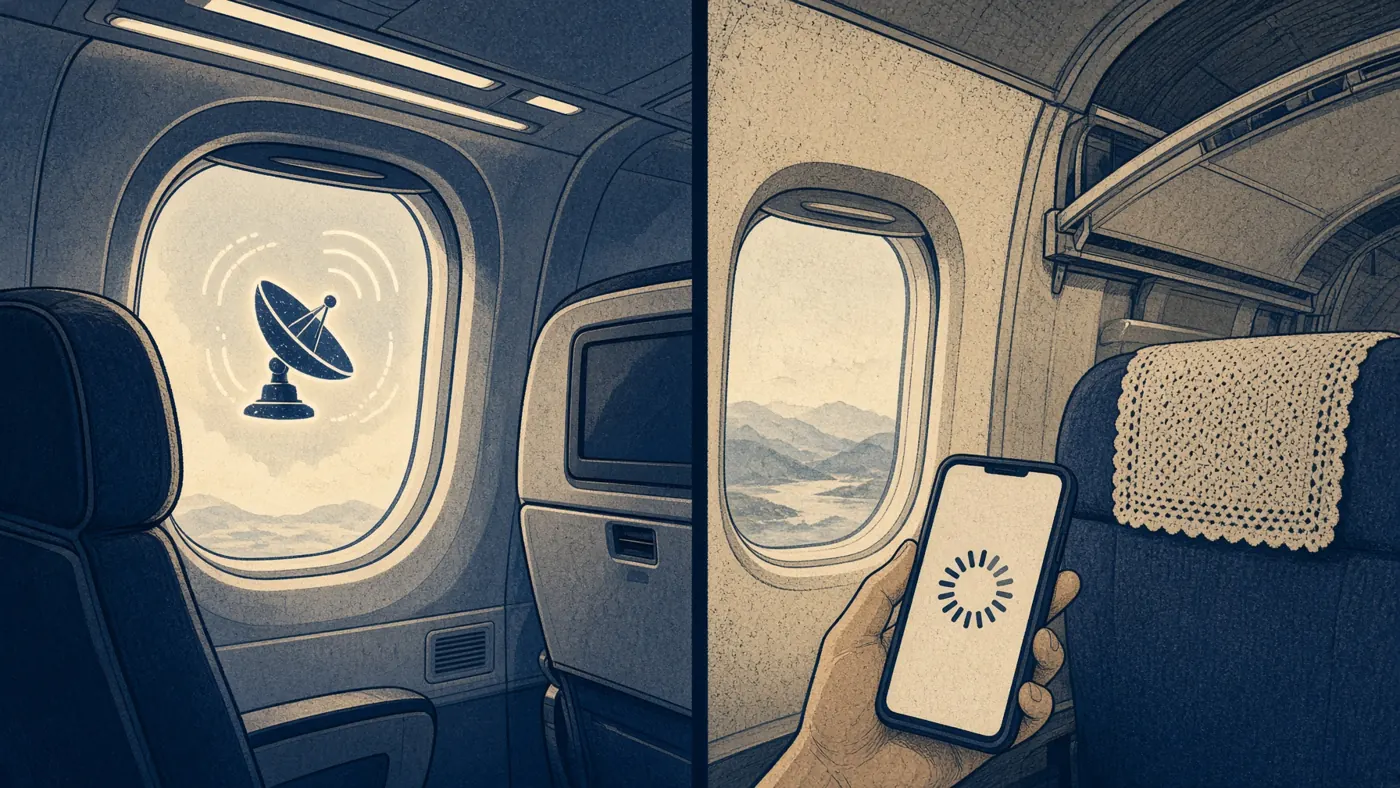
| On the phone | Starlink | Older United Wi-Fi |
|---|---|---|
| WhatsApp and iMessage | Yes | Free messaging, even with no pass |
| Mail and maps | Yes | Yes, once you pay |
| Netflix and YouTube | This is the point | Sometimes. Do not bet on it |
| Zoom or Teams | Worth a try | Treat it as no |
| The United app | Yes | Yes, even if you do not buy a pass |
Newark to Miami. A hop into Fort Lauderdale, Los Angeles or Seattle, then a ship. The United pass, free or $8, dies at the door. The ship will ask for twenty to forty-nine dollars a day. A cruise eSIM is for that week, not for this cabin.
Do not buy a plane eSIM for United. Our GigSky code ESIMDUDE does not work on plane packs. Join MileagePlus for the hop. Put the cruise eSIM on the night before.
After you land · best overall
After ESIMDUDE a 5 GB / 30-day plan is $62.99.
Get GigSky · 10% off
Sea plus 165 countries. Code ESIMTWEAKS10 is 10% off.
Get Maya · 10% offCheaper at sea. Dead in port. ESIMDUDE is 20% off.
Get Saily · 20% offWhich US airlines have free Wi-Fi · Delta Wi-Fi · American Airlines Wi-Fi
Yes on Starlink planes if you join MileagePlus. Joining is free. On other planes, members pay $8 and everyone else pays $10 on most US and short international flights. Long flights cost more.
Turn on airplane mode, then turn Wi-Fi back on. Join the United Wi-Fi network. Open a browser and go to unitedwifi.com. Turn off iCloud Private Relay. Sign in with MileagePlus, or pay for the flight.
No. Starlink Wi-Fi is free for MileagePlus members. You do not need a phone-company plan.
Free for MileagePlus on a Starlink plane. On other US and short flights it is $8 for members, or 800 miles, and $10 if you are not a member. You cannot pay with miles on some regional jets.
Yes, on a growing share of the fleet. Most two-cabin regional jets have it. Mainline planes are being fitted through 2026. United wants the whole fleet done by the end of 2027.
Yes. Free messaging works even if you do not buy a pass. The United app and united.com also work. Photos in those chats may not.
That is the Wi-Fi page on the plane. Join the cabin Wi-Fi, then open unitedwifi.com. The normal United website on the ground will not start the connection.
No. Use the plane Wi-Fi. Our GigSky code ESIMDUDE does not work on plane packs. Buy GigSky when you land for a cruise. The ship will charge $20–49 a day, and that Wi-Fi dies when you walk off.
Not affiliated with United Airlines, MileagePlus, or SpaceX. Starlink is not on every plane yet. Prices are United’s published 2026 US fares. We earn a commission if you buy a cruise eSIM through our links.